

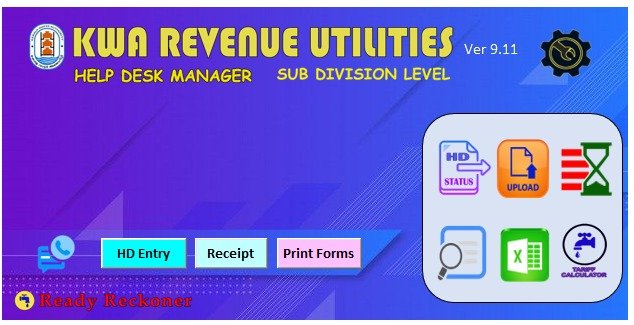







KWA Help Desk Manager Ver 9.11
An excel utility for Registering, processing and monitoring of Consumer Complaints in Kerala Water Authority - Sub Division Level. Updated on 08/03/2026 as per Palm held billing tariff with Connection Date Change Calculation, revised Leak benefit rate, extended OTS Calculation Period, Customizable Leak Benefit, Amnesty Leak Calculation, Ready Reckoner Generate facility and tariff revision.
Features includes
- Generate report of pending complaints, solved complaints, pending at division, sub division and section
- check complaint status in one click
- Search option using name, consumer no, phone number including blind search
- Data Import from previous versions
- Leak Benefit auto calculation with option to fix the leakage PIC
- Excess Reading and Average Reading Calculation
- Category Change calculation for Domestic to Non Domestic and Vice Versa
- Deposit refund calculation and connected forms
- One Time Settlement (OTS) Calculation
- Excess billing calculation
- Generate ready reckoner
- Report automatically saved to monthly folders.
- Generating covering letters, reporting forms and calculation sheet
- Option to save the reports in word format.
Related Download
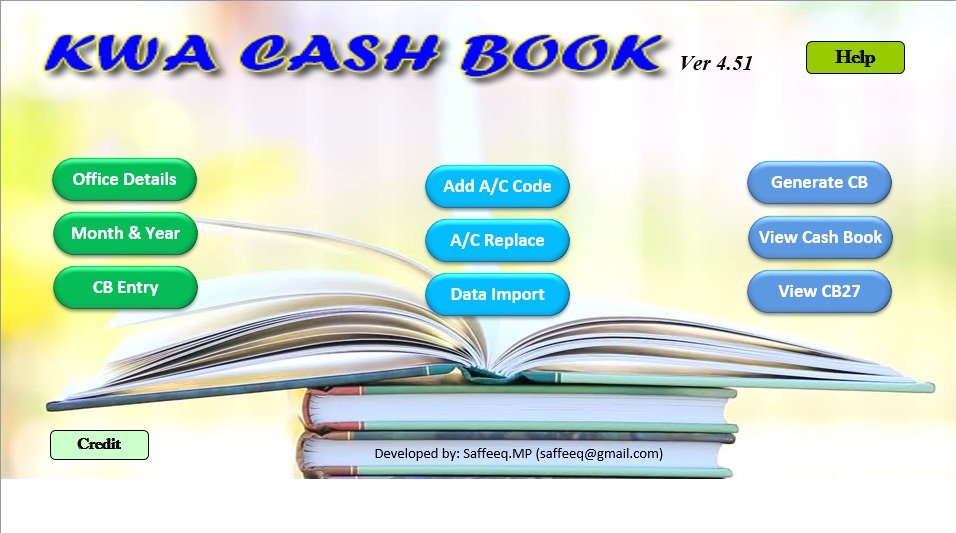
KWA Cash Book 4.51
An excel utility for the preparation of Monthly accounts of Kerala Water Authority. This utility can be used for accurate and easy preparation of CB28 Payment & Receipts and CB27 in pdf format in a single clik. (Updated on 27/05/2026)
New added features includes
- Data Import from previous versions
- Account Code replacement
- Single click generation of CB28 Receipt, CB28 Payment and CB27
- One file required for the coming 12 Years
- Rows extended to 1000
- Report automatically saved to monthly folders.
- Added more account codes and bug fixed
Related Download
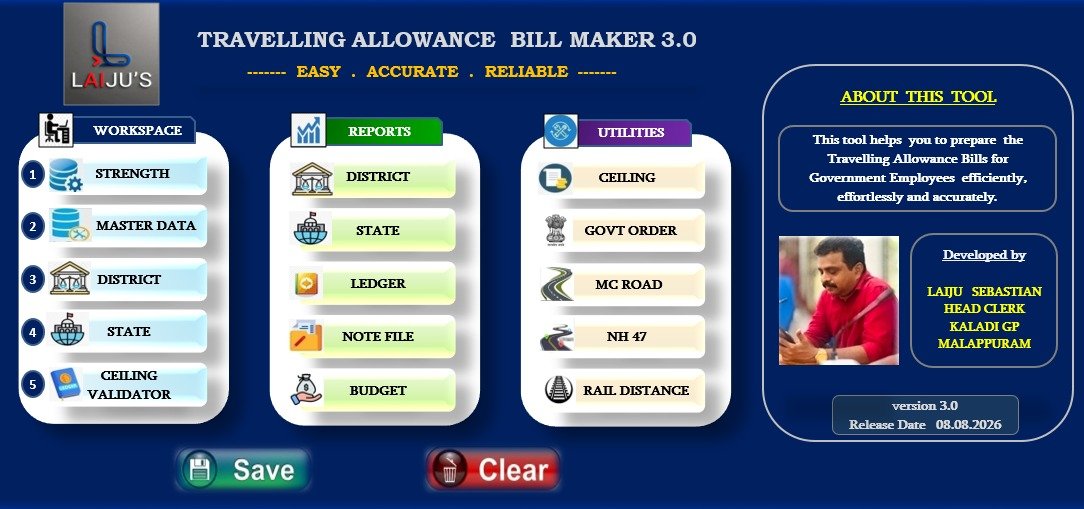
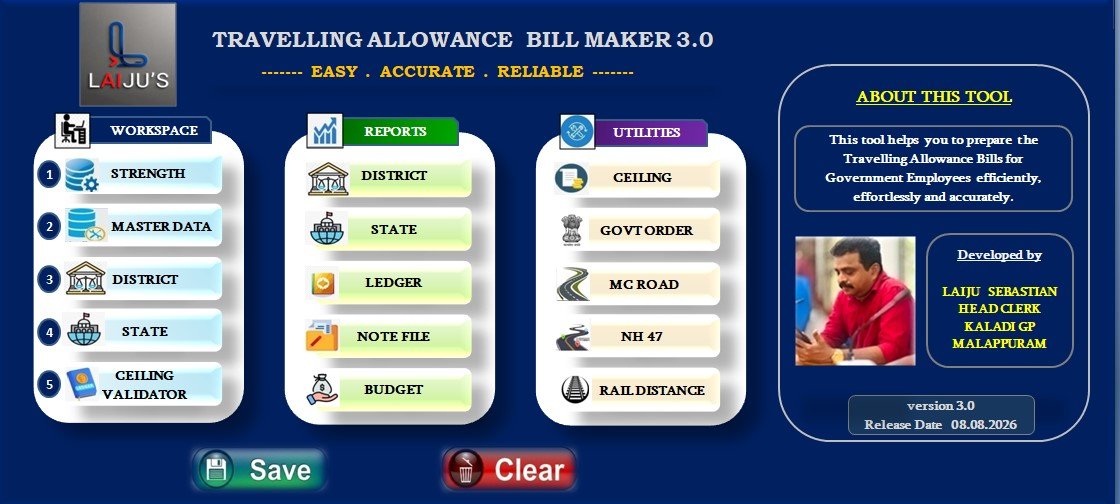
Travelling Allowance Bill Utility (TR-56)
സംസ്ഥാന സർക്കാർ വകുപ്പുകളിലെയും സംസ്ഥാന സർക്കാരുമായി ബന്ധപ്പെട്ട സ്ഥാപനങ്ങളിലെയും ജീവനക്കാരുടെ Travelling Allowance (TA) Bills എളുപ്പത്തിലും കൃത്യതയോടെയും തയ്യാറാക്കുന്നതിനായി രൂപകൽപ്പന ചെയ്ത Excel VBA അടിസ്ഥാനത്തിലുള്ള ഒരു User-Friendly Tool ആണ് TR-56 & TR-56A Travelling Allowance Bill Maker.
യാത്രാ വിവരങ്ങൾ രേഖപ്പെടുത്തി ആവശ്യമായ കണക്കുകൂട്ടലുകൾ സ്വയമേവ നടത്തുകയും, TR-56 / TR-56A ബില്ലുകൾ ക്രമബദ്ധമായും പ്രിന്റ് ചെയ്യാൻ അനുയോജ്യമായ രീതിയിലും തയ്യാറാക്കുകയും ചെയ്യുന്നു. Manual calculation കുറയ്ക്കുകയും, പിശകുകൾ ഒഴിവാക്കുകയും, ബിൽ തയ്യാറാക്കുന്ന പ്രക്രിയ കൂടുതൽ വേഗത്തിലും ലളിതമായും ആക്കുകയും ചെയ്യുന്നതാണ് ഈ Tool-ന്റെ പ്രധാന ലക്ഷ്യം.
Excel & VBA (Visual Basic for Applications) സാങ്കേതികവിദ്യ ഉപയോഗിച്ചാണ് Tool വികസിപ്പിച്ചിരിക്കുന്നത്. പ്രത്യേക software installation ആവശ്യമില്ലാതെ, Macro-enabled Microsoft Excel environment-ൽ ഉപയോഗിക്കാവുന്ന രീതിയിലാണ് ഇത് തയ്യാറാക്കിയിരിക്കുന്നത്.
ടൂള് പരിചയപ്പെടുത്തുന്ന ഹെല്പ്പ് വീഡിയോ ട്യൂട്ടോറിയല് കാണുന്നതിന് താഴെ കൊടുത്ത ലിങ്ക് ക്ലിക് ചെയ്യുക.
Related Downloads
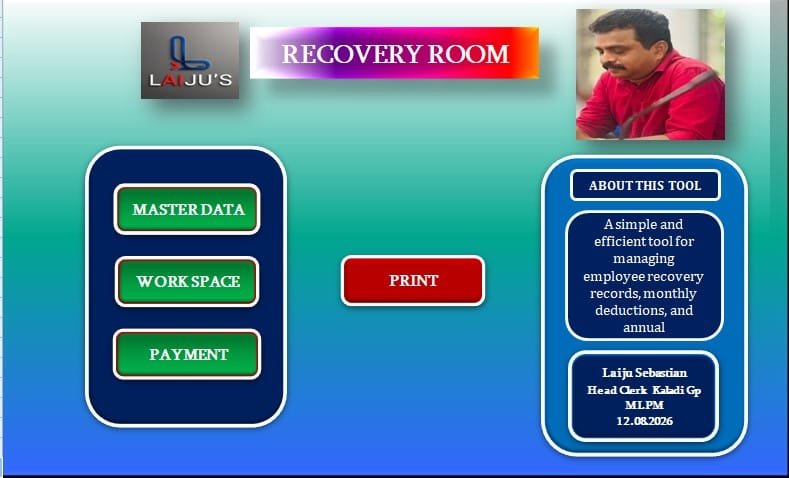
Recovery Room – Recovery Register Tool
Recovery Room എന്നത് പ്രാദേശിക സ്വയംഭരണ സ്ഥാപനങ്ങളിലെ ജീവനക്കാരുടെ ശമ്പളത്തിൽ നിന്ന് ഈടാക്കുന്ന വിവിധ Recovery Items-ന്റെ പ്രതിമാസ രേഖപ്പെടുത്തലിനും, അതിന്റെ അടിസ്ഥാനത്തിൽ ഒരു സാമ്പത്തിക വർഷത്തെ മാസം തിരിച്ചുള്ളതും ആകെ ഉള്ളതുമായ Recovery വിവരങ്ങൾ ക്രമബദ്ധമായി തയ്യാറാക്കുന്നതിനുമായി വികസിപ്പിച്ച Excel VBA അടിസ്ഥാനത്തിലുള്ള User-Friendly Tool ആണ്.
ഓരോ മാസത്തെയും Recovery വിവരങ്ങൾ, Challan Number, Challan Date തുടങ്ങിയ അനുബന്ധ വിവരങ്ങൾ ഉൾപ്പെടെ രേഖപ്പെടുത്താനും, സാമ്പത്തിക വർഷത്തിന്റെ സമഗ്രമായ Recovery Statement തയ്യാറാക്കാനും Tool സഹായിക്കുന്നു.
Excel & VBA (Visual Basic for Applications) സാങ്കേതികവിദ്യ ഉപയോഗിച്ച് വികസിപ്പിച്ചിരിക്കുന്ന ഈ Tool, manual data entryയും കണക്കുകൂട്ടലുകളും ലളിതമാക്കി, Recovery വിവരങ്ങൾ കൃത്യമായും വേഗത്തിലും ക്രമബദ്ധമായും കൈകാര്യം ചെയ്യുന്നതിനാണ് രൂപകൽപ്പന ചെയ്തിരിക്കുന്നത്.
Related Downloads
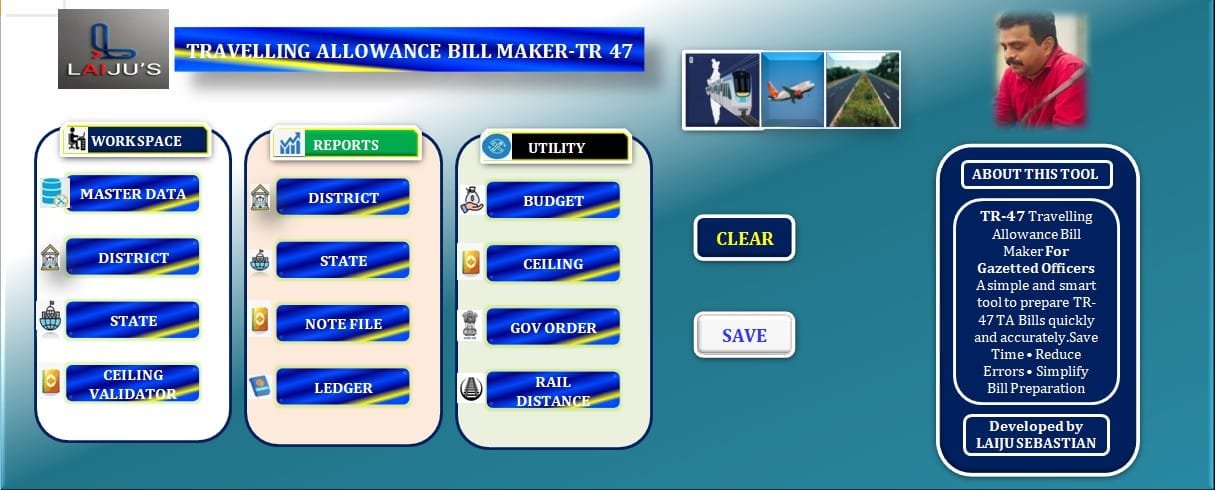
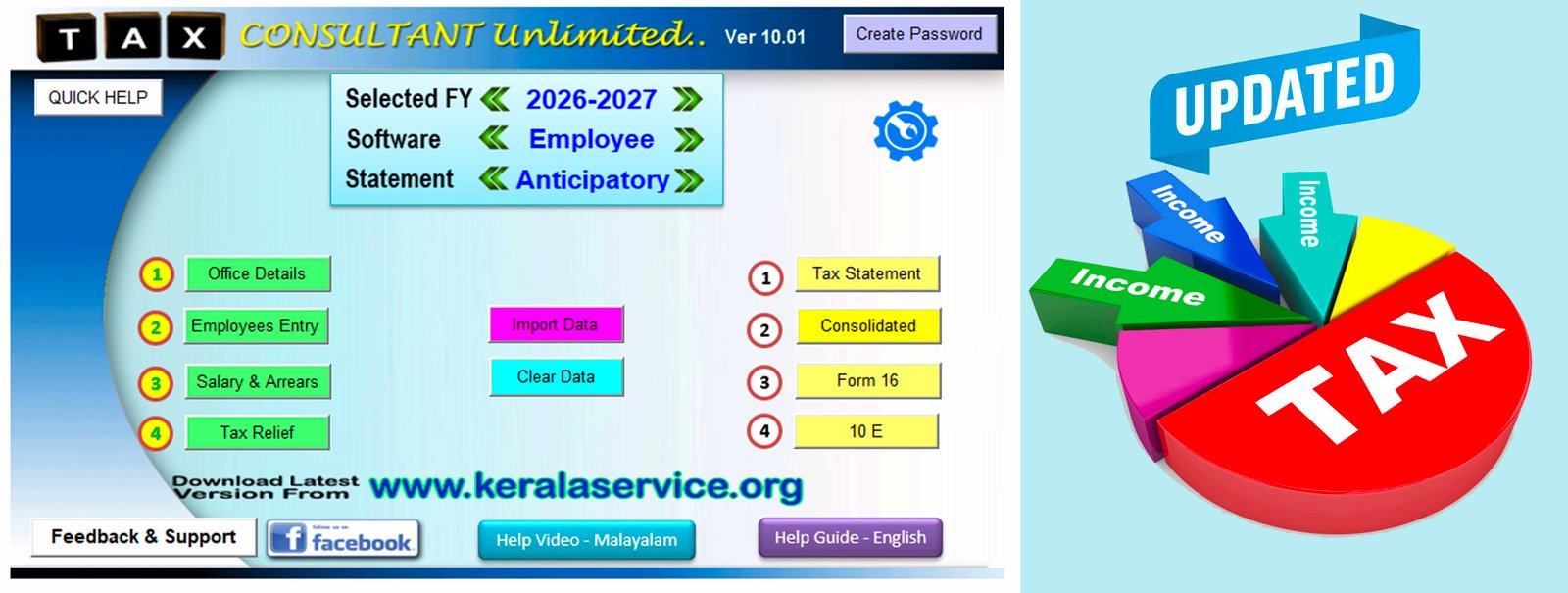
TR-47 Travelling Allowance Bill Maker
TR-47 Travelling Allowance Bill Maker എന്നത് ഗസറ്റഡ് ഓഫീസേഴ്സ് ഗ്രേഡ്–I വിഭാഗത്തിലെ ജീവനക്കാരുടെ യാത്രാബത്ത (TA) ബിൽ തയ്യാറാക്കുന്നത് ലളിതവും വേഗത്തിലും കൃത്യതയോടെയും നടത്തുന്നതിനായി തയ്യാറാക്കിയ ഒരു User-Friendly Excel VBA Tool ആണ്.
മാസ്റ്റർ ഡാറ്റ എൻട്രി, ജില്ലാ/സംസ്ഥാനതല യാത്രാ വിവരങ്ങൾ, സീലിംഗ് പരിശോധന, TA Note File & Budget Verification, Reports, Bill Printing, Ledger Posting, Final Claim Calculation തുടങ്ങിയ പ്രധാന പ്രവർത്തനങ്ങൾ ഒരൊറ്റ ടൂളിൽ ക്രമീകരിച്ചിരിക്കുന്നു.
യാത്രാ വിവരങ്ങളുടെ കൃത്യമായ രേഖപ്പെടുത്തലിനും, ബാധകമായ സീലിംഗ് പരിശോധിക്കുന്നതിനും, ബിൽ തയ്യാറാക്കുന്നതിനുമുള്ള ലളിതവും സമയലാഭകരവുമായ ഒരു സമഗ്ര സംവിധാനമാണ് TR-47 Updated Version 2.0.
Related Downloads
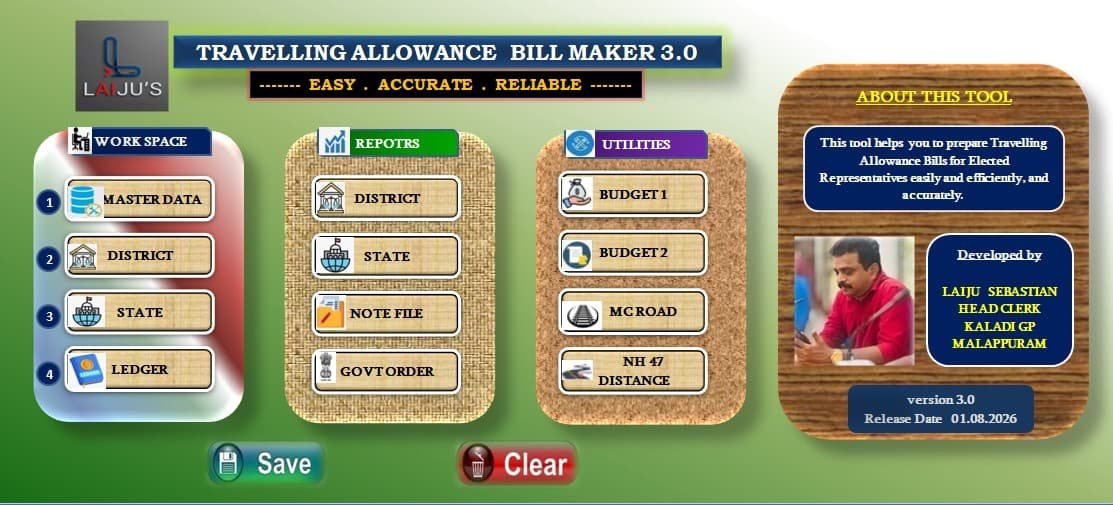
Travelling Allowance Bill Maker - Elected Representative
ജനപ്രതിനിധികളുടെ ഔദ്യോഗിക യാത്രകളുമായി ബന്ധപ്പെട്ട യാത്രാബത്ത ബില്ലുകൾ ലളിതമായും വേഗത്തിലും കൃത്യതയോടെയും തയ്യാറാക്കുന്നതിനായി രൂപകൽപ്പന ചെയ്ത Excel VBA ടൂളാണിത്.
📌 യാത്രാ വിവരങ്ങൾ എളുപ്പത്തിൽ രേഖപ്പെടുത്താം
📌 Claim Period പരിശോധിക്കാം
📌 From Date, To Date എന്നിവ പരിശോധിക്കാം
📌 Duplicate Entry കണ്ടെത്താം
📌 District Level, State Level വിവരങ്ങൾ ക്രമീകരിക്കാം
📌 ആവശ്യമായ പരിശോധനകളോടെ യാത്രാബത്ത ബിൽ തയ്യാറാക്കാം
✅ ലളിതമായ ഉപയോഗം
✅ കൃത്യമായ പരിശോധന
✅ സമയലാഭം
✅ വേഗത്തിലുള്ള ബിൽ തയ്യാറാക്കൽ
👉 ജനപ്രതിനിധികളുടെ യാത്രാബത്ത ബിൽ തയ്യാറാക്കൽ കൂടുതൽ ലളിതവും കാര്യക്ഷമവുമാക്കുക എന്നതാണ് ഈ ടൂളിന്റെ പ്രധാന ലക്ഷ്യം.
Related Downloads
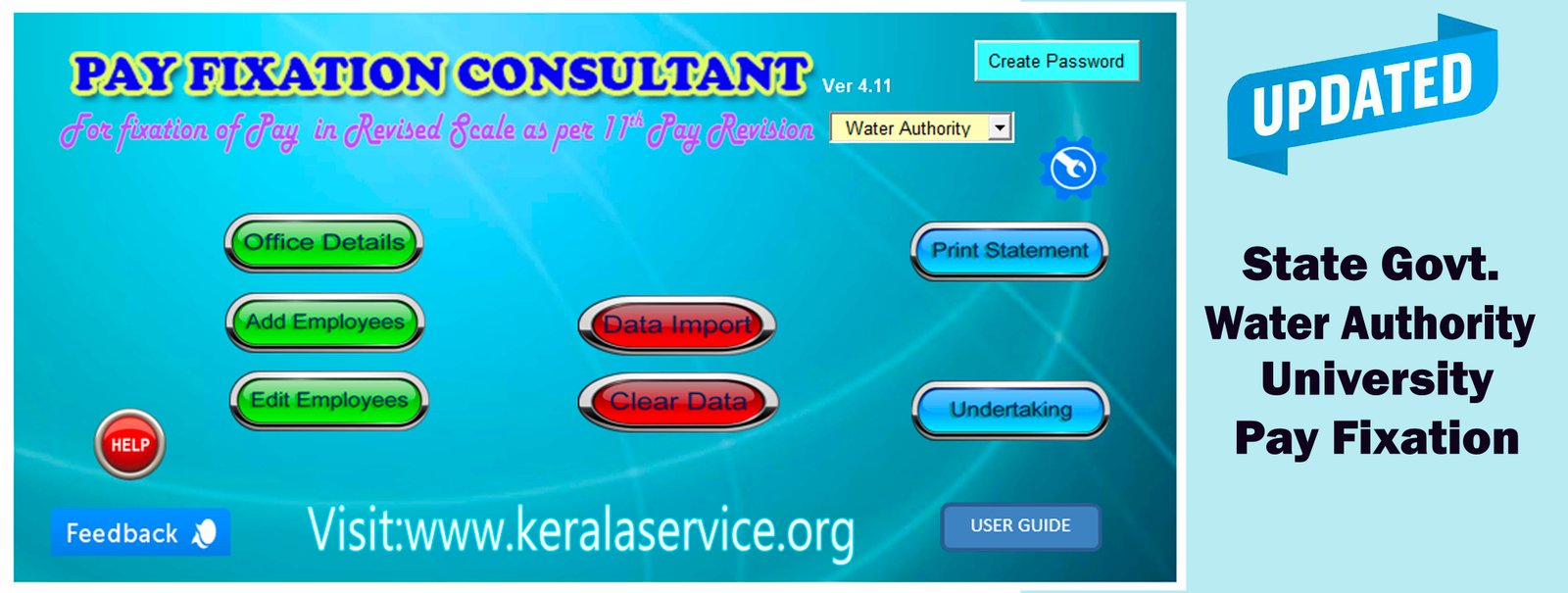
KWA SALARY ASSISTANT Ver. 4.03
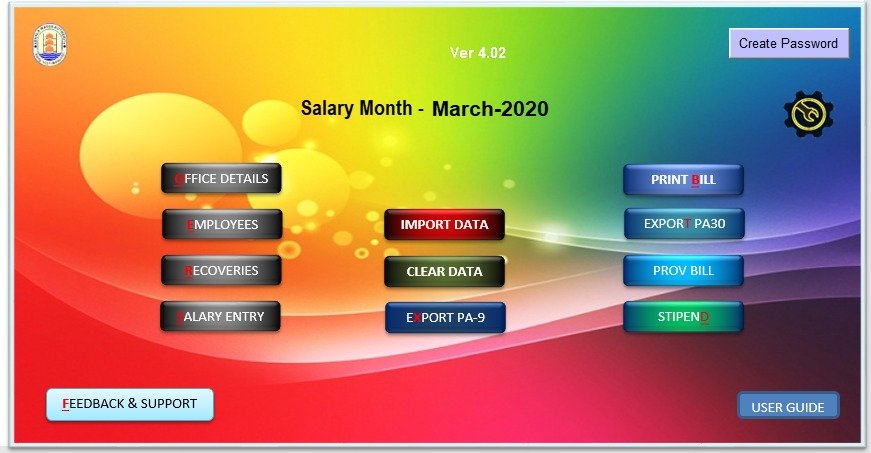
WA Salary Assistant is an Excel Utility for the preparation of Salary Bill and connected schedules and vouchers of employees under Kerala Water Authority. This utility is developed for Kerala Water Authority Employees only. Using this utility besides Regular salary, can prepare Provisional slary and Stipend Bills. The Utility is designed for complete Financial Year and hence you have save this for each Year. With this utility you can export PA-9 and PA-30 in excel format. PA-9 is required to credit salary from Head Office and PA-30 is required to transfer the NPS amount of each employees from Head Office. Data import function helps to import data from the Previous versions of KWA Salary Assistant and also from PA-9 file. If data imported from PA-9 file, almost all data including salary details will be copied, however you have to update each employees with missing details. Fresh users should follow the following steps.
- Set your system date format to "dd-mm-yyyy"
- Download the KWA Salary Assistant from the below link.
- While opening the software, enable macros. You can enable macros under excel options menu.
- Click the Settings icon of the Salary Utility located at top right corner to popup Setting window.
- Select Salary Month and year from the setting window.
- Clik Office List Button and update all offices coming under your office
- Click CB3 Setting Button and update CB3 details as required.
- Clik other buttons in the Settings window and update, if required.
- Update Office Details by clicking office details button from the Home Page
- Click Import Data Button from Home Page, then locate the PA-9 ACBRfile, then click Import PA-9 Button. All the data of the PA-9 will be will be copied to the software.
- If "No Data Found" error occurs, update the sheet name of PA-9 file as "Foramt". No data will be copied if the sheet name differs.
- Click Employees Button, the update the missing details of all employees by clicking edit existing button.
- Click Recoveries button and update the mising details of each employees.
- Click Salary Entry Button then again click Salary Entry Button to update the salary of the selected month. Change salary month from Settings window, if required.
- Click Print Bill button for printing all Bills, Schedules and CB3 related to Regular employees. If you want single bill for Regular Salary, Provisional Salary and Stipend, you have to tick the check box located under Settings Window.
- Click Prov Bill Button for printing ACBRProvisional Salary Bill and CB3 of the selected month. This option will be disabled if you have ticked single bill option located in Setting Window.
- Click Stipendl Button for printing Stipend Bill and CB3 of the selected month. This option will be disabled if you have ticked single bill option located in Setting Window.
- Click Export PA-9 Button to export PA-9 in excel format. This exported PA-9 should be emailed to Head Office fund section for crediting salary to employees account.
- Click Export-PA30 Button to export NPS PA-30 in excel format. This exported PA-30 should be emailed to Head Office NPS section for crediting NPS deduction to employees PRAN account.
- ELS bill preparation facility will be available in the next version.
Downloads

